Luckily we are surrounded by lots of on/offline software, smartphone apps which can help us function more efficiently. When I was small, only things available were a Franklin Planner, a small dictionary and maybe a small voice recorder. Times have been changed, there is quite a big possibility of choice for us. I want to share things that have been helpful for me and I would like to hear about what you are using.
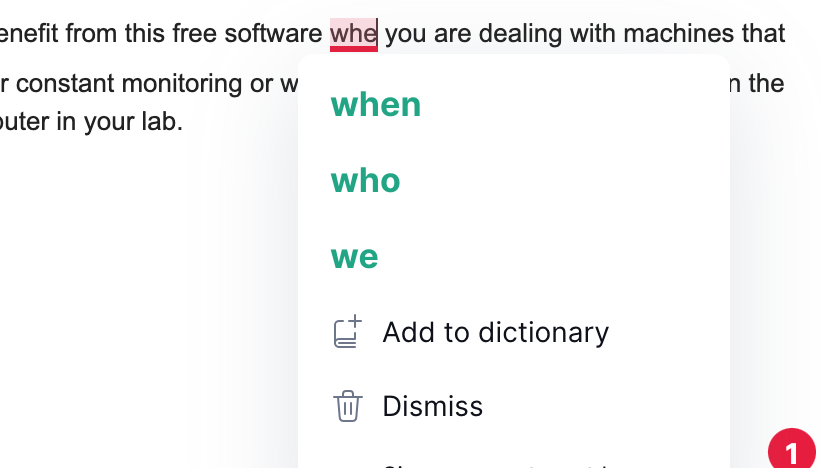
Grammar checking apps or software such as Grammarly could be really useful for non-native English users. I discovered this about 6 years ago, the performance was already not too bad at that time and I think it gets better with time thanks to data accumulation. There are other competitors in the market you could choose. I am still using this one because of its convenience. It supports multiple platforms and you could incorporate it in Microsoft Word or Chrome browser as an add-on. So while writing, like right now for me, you could see the potential errors in your writing and could get suggestions. For me their free version is already quite powerful, so the choice is completely on the users.
TeamViewer allows you to monitor and control your computers (even mobile devices) remotely. You can benefit from this free software when you are dealing with machines which needs your constant monitoring or when you want to access certain data in the local computer in your lab.
Reference assistant tools, like Mendeley. When we write and then submit a paper, we could face re-formatting and editing the manuscript almost inevitably. And it could be burdensome if you spend lots of time on just re-formatting and re-indexing all those references. These tools could automatically generate references list according to your target journal formatting. I used briefly ‘Papers’ so I am not sure how many new features are included in recent versions of this kind of software. Programs like LaTex is more powerful but still Mendeley kind of programs could be atrractive due to their ‘easy to use’ GUI. It can be interesting if one of you can share your opinion and experience with these kinds of writing assistant software.
Google Tasks, one of the partners of Gmail ecosystems, might be already available in your Gmail desktop version when you look at the right sidebar. Also, you can use it as a smartphone app. I use this to keep a to-do list that I should check later but things I don’t want to occupy my brain every time. For example, call someone, when my mobile plan promotion ends, write thanks postcards, check medical reimbursements, contact the insurance company before I leave France, …
Google Keep, I use this app to write down a short memo and idea. It is quite light (fast) and you can reorganize posts or pin to top. With a current voice to text technology, it can be a quite handy note taker.
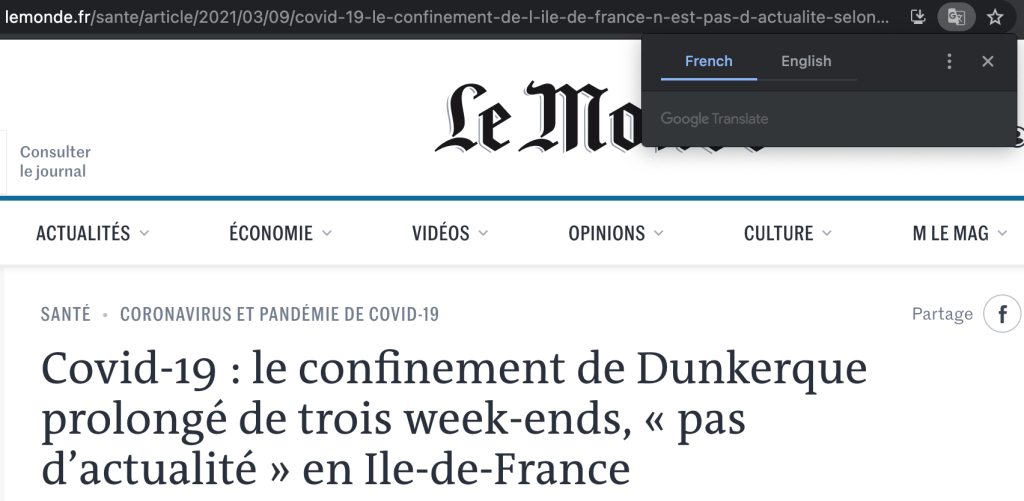
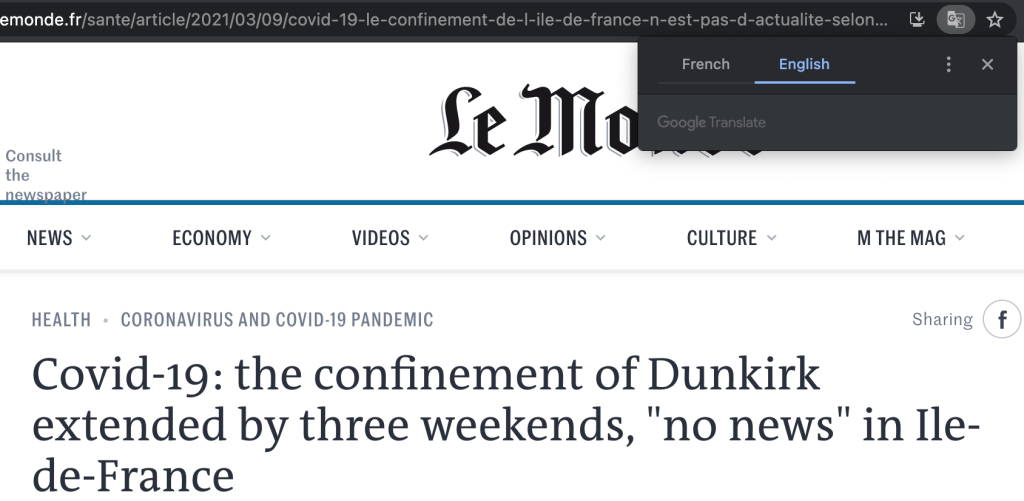
‘Translate this page’ in the Chrome browser. Google translate is already well known but this additional function was useful for me to read webpages in different languages. The translation is quite fast and done on an actual webpage by exchanging text. I want to also mention Google translate app on the smartphone which can do instant recognition of text in the picture and then perform translation. The performance of image to text recognition is quite remarkable.
Calendar apps. Making reminder of professional schedule or personal events. I realised that having a calendar view (visual view) of my schedule is quite powerful when I want to plan a vacation or professional schedule.
Any voice recorder apps. The performance of the microphone in our smartphone is amazingly good that we don’t need a separate voice recording machines at hands. You could use this to keep an important dialogue when you are in a meeting or a seminar.
Saving documents in Cloud services. I routinely scan documents and keep them in one of the cloud servers. These documents could be my contract, my proof of working experience, important receipts (rent, plane tickets),… As a research nomad, it is not easy to know which kinds of documents I should keep for the future but also it is ridiculous to physically bring them all with me. So except some documents which I should keep originals for sure, I keep the PDF files of them in the cloud and trash them.
Phyphox. This app can turn sensors in your smartphone into a physical measurement device such as pressure, magnetic field, acceleration and acoustics. This was quite convenient for me when I was changing the magnetic field of the magnet. I could monitor the change of the magnetic field in real time with my phone.
What other things you use in your daily life or professional activities?
 Coffee Break Special